



 Trending
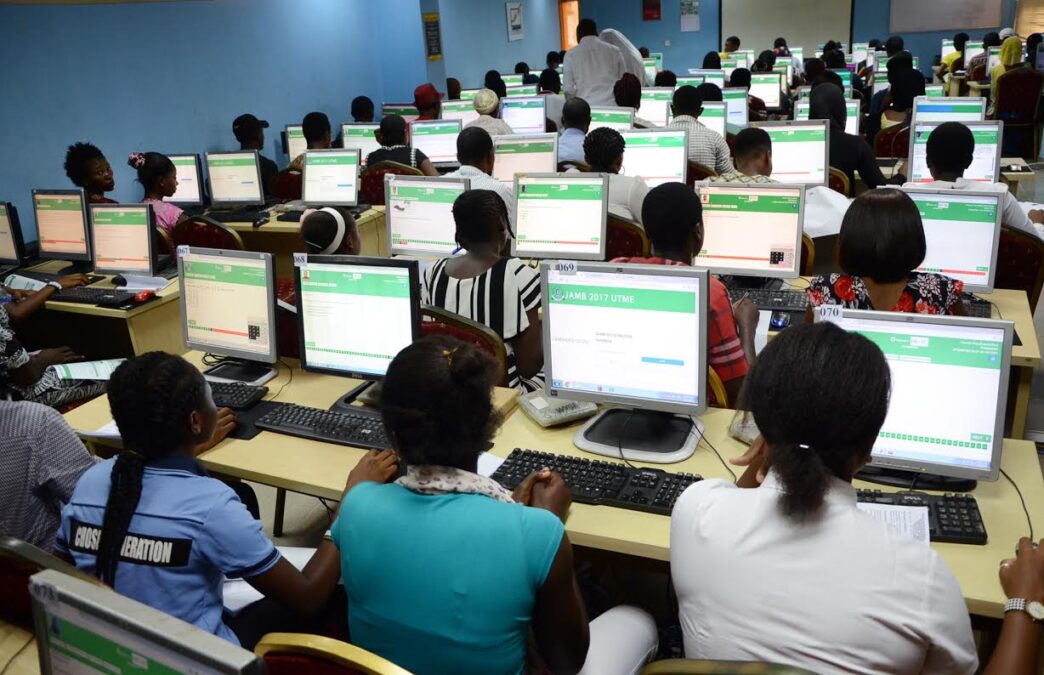
The Joint Admissions and Matriculation Board (JAMB) has released the results of 632,788 candidates who sat for the first day of the 2026 Unified Tertiary Matriculation Examination on April 16.
Here is how candidates can check their scores and print their official result slips.
Check score via SMS
Read More : Obi Queries Tinubu’s UNGA Absence, Hails Mahama
Candidates should use the phone number registered with JAMB.
– Ensure at least N50 airtime is available on the line.
– Send “UTMERESULT” to 55019 or 66019.
– The score will be delivered via SMS.
Candidates can only view results at this stage. Printing is not yet available.
Print result slip
Once printing is enabled, candidates should follow these steps:
– Visit efacility.jamb.gov.ng
– Log in with registered email address and password
– Click “Print Result Slip” on the dashboard
– Click “Continue with Payment” and pay N1,500
– Select 2026 as examination year
– Enter JAMB registration number
– Download and print the slip
The result slip carries the candidate’s passport photograph, scores, and admission details.
Important tips
Read More : Shettima Reiterates Calls For UN Reform
– Candidates who forget their password or email should use the “Forgot Password” option or visit a JAMB office with registration details.
– Keep multiple printed copies of the result slip, as institutions typically request it during screening.
– Use only JAMB official websites — efacility.jamb.gov.ng or portal.jamb.gov.ng — to avoid scams.